

Appearance
AI settings
Before generating content, you can choose a default tone of voice and language so AI suggestions match your preferred style.
IMPORTANT
AI-generated output may be inaccurate or incomplete. Review every suggestion before you apply it or publish changes on your store. See About AI, the Terms of Service, and the Privacy Policy.
Before you begin
- Open SEOEngine from your Shopify admin.
- Open any page in SEO Audit so you can access AI settings.
Configure language and tone of voice
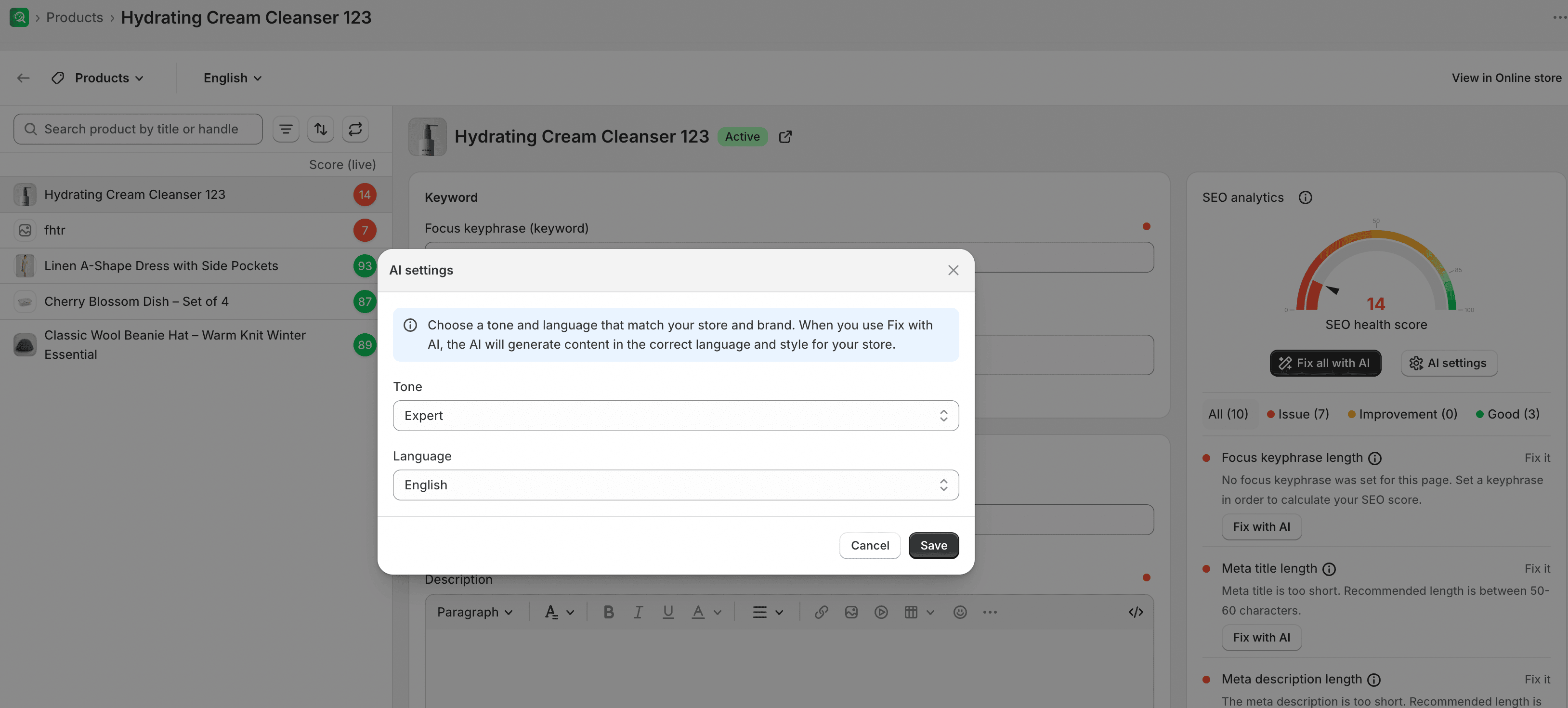
- In the page editor of any SEO Audit item, select the AI settings button.
- Select your preferred Language and Tone (such as Expert, Daring, Playful, Sophisticated, Persuasive, or Supportive). You can also enter a custom description to define a unique brand tone.
- Select Save.
Expected result
The app uses these settings as the baseline for later AI content generation requests.